Resonance Stuttering Fix — Frame-Pacing & Best PC Settings
Last verified: 2026-10-06 · Game version: 1.003 (Oct 6 Update)
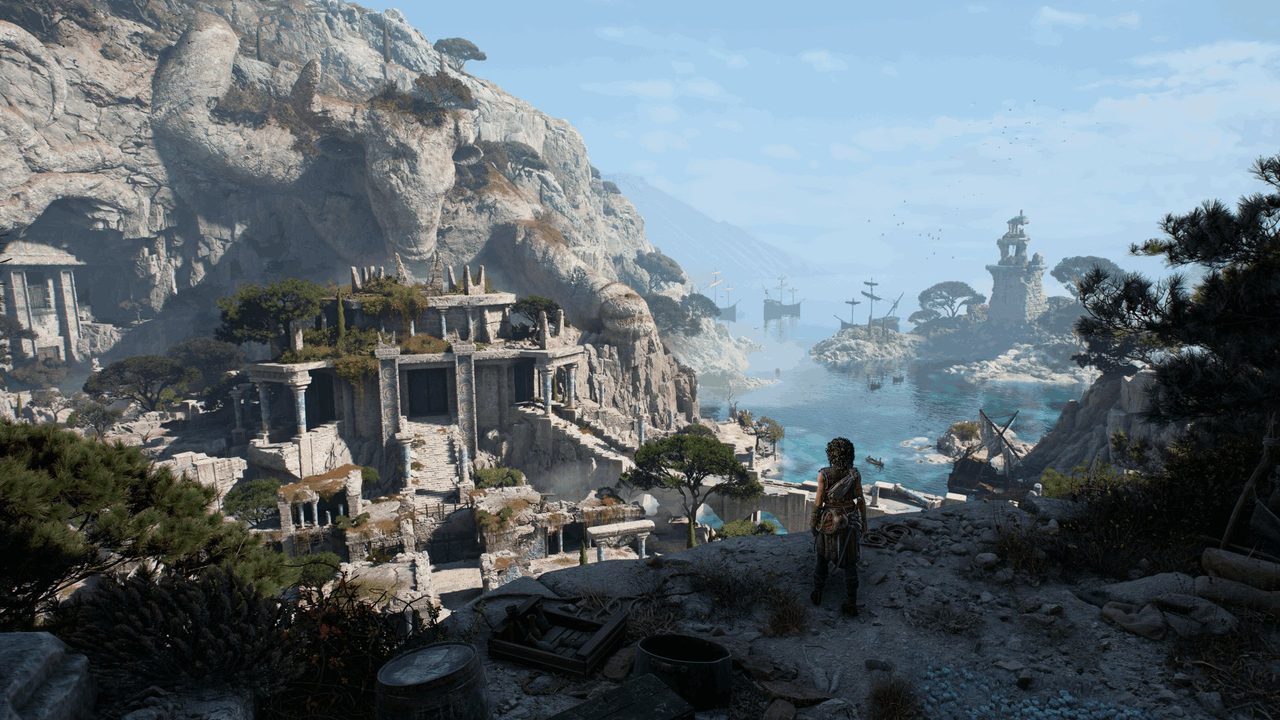
Resonance: A Plague Tale Legacy is mostly smooth out of the box, but two specific stutter issues come up. Here's what's fixed, what isn't, and what you can do.
Quick Answer
| Issue | Status | Fix |
|---|---|---|
| Nemesis Area stutter lag | Reduced (not fully fixed) | Update to the October 6 patch (1.003) |
| Xbox Series X audio stutter | Fixed | October 6 patch |
| Game Pass (PC/Xbox) shader-compilation stutter | Workaround | Pre-generated PSO cache (unofficial) |
1. Nemesis Area stutter — reduced, not fixed
The October 6 Bug Fix Update reduced stutter lag when approaching the new Nemesis Area. The official wording is "reduced stutter lag", not "all stuttering fixed" — some frame-pacing hitches may still happen on PC.
Action: update the game and your GPU drivers first. See System Requirements.
2. Game Pass PSO cache stutter — unofficial workaround
The Xbox Game Pass / Xbox PC version builds its PSO (pipeline state object) shader cache progressively while you play, which causes shader-compilation and traversal stutters when entering new areas.
There's a community workaround: a pre-generated PSO cache (~1.1 GB extracted) based on the larger Steam cache.
⚠️ Unofficial (community mod). It does not modify the game executable or game files, but it is not an official fix — use at your own risk.
- Go to
C:\Users\<YOUR_USERNAME>\Documents\My Games\Resonance A Plague Tale Legacy\ - Rename the existing
cachefolder to something likecache_backup - Extract the downloaded
cachefolder into that directory — final structure...\Resonance A Plague Tale Legacy\cache\0000_0004_0002\ - Start the game normally.
When an official fix ships, delete the new cache and let the game rebuild it (or restore cache_backup).
3. PC settings that help
From Digital Foundry's review:
- Use medium for most settings (draw distance, shadow quality, volumetric lighting), high for screen-space reflections.
- On an older CPU, lower the NPC/enemy refresh-rate settings to hit 60fps.
- On 8GB cards, stick to high texture (not ultra) to avoid memory bottlenecks.
- Targeting v-synced 30fps? Keep the refresh-rate settings high to avoid choppy 15Hz updates.